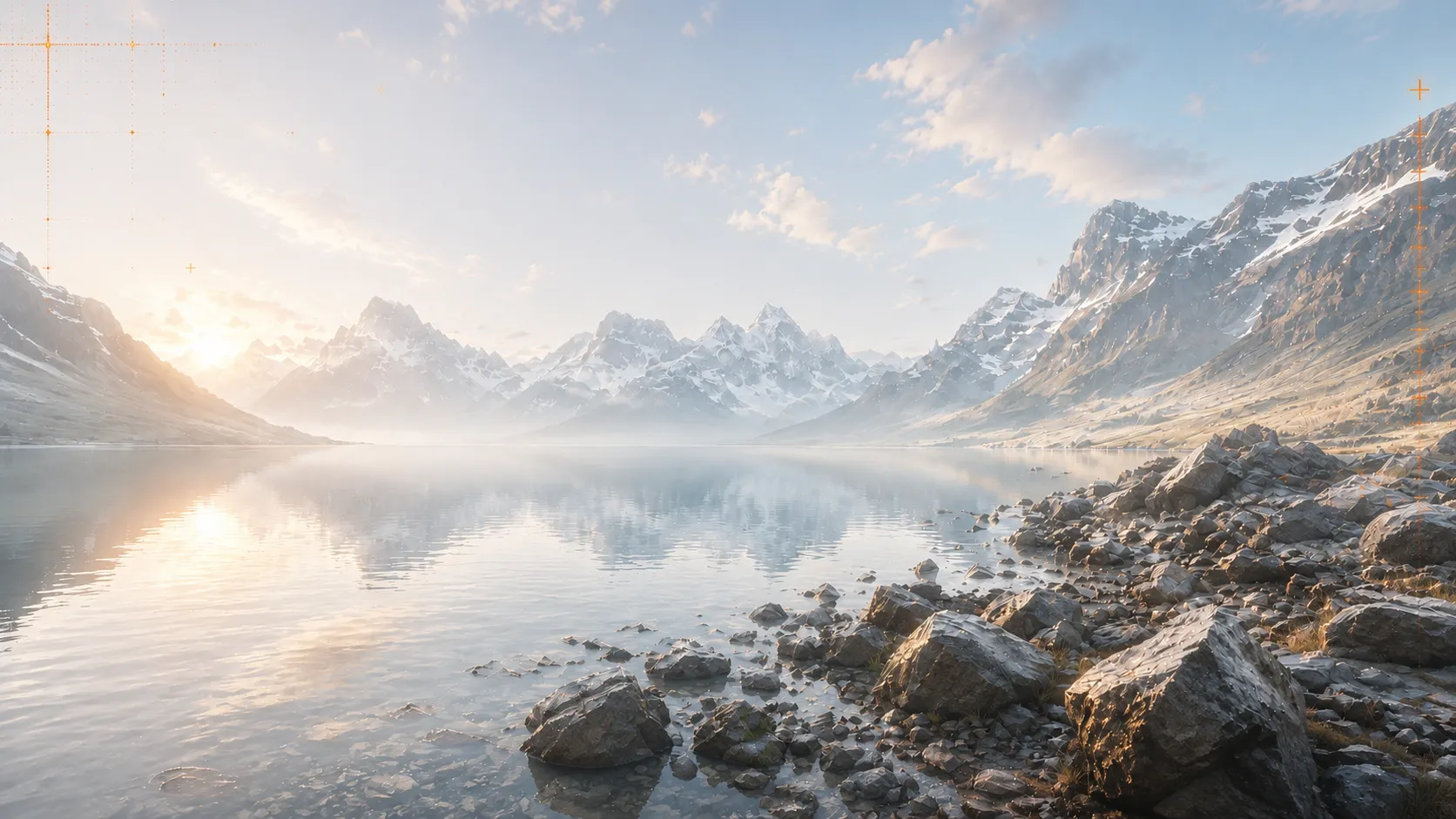
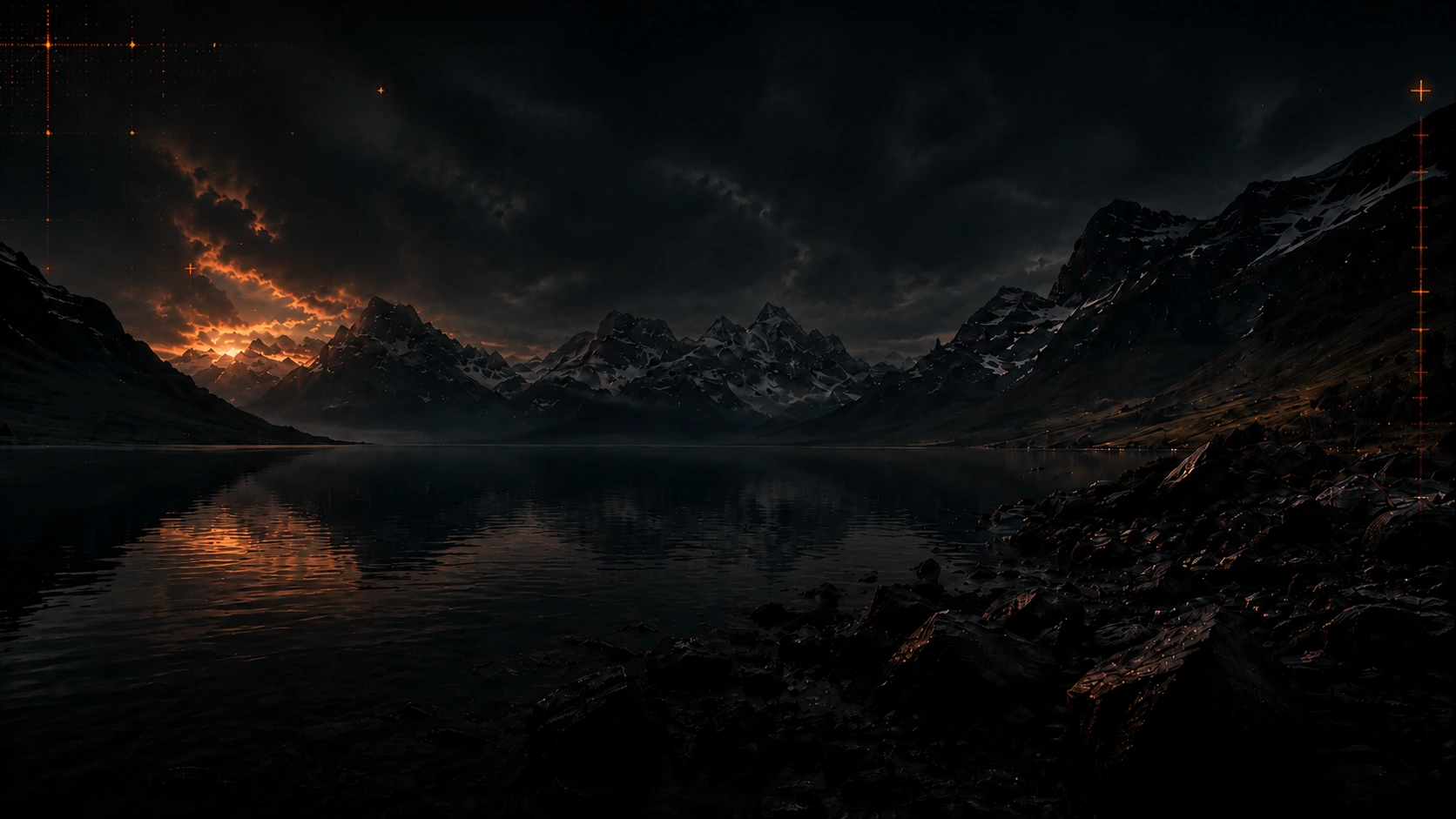
Animate Photo AI Make Pictures Move
Make still photos move with AI. Upload a photo, describe the motion you want, and turn portraits, product shots, artwork, or social media images into short moving videos.
 Animate Photo AI
ANIMATE PHOTO AI EXAMPLES
What Photos Can You Animate?
Choose the closest photo type, preview the motion idea, then use the prompt and source image in the Animate Photo AI generator.
 Original Photo
Product Photo
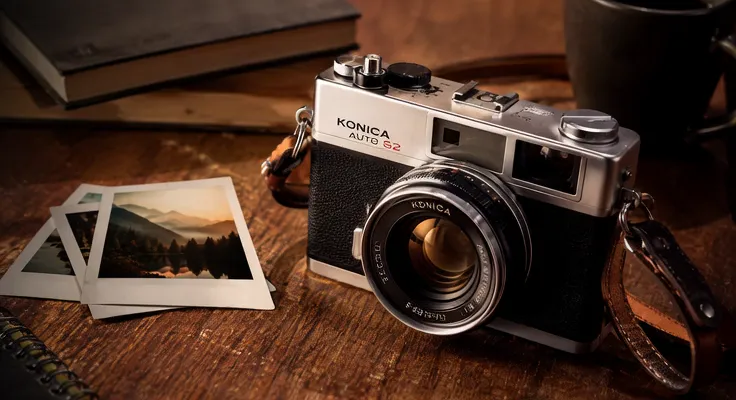
Vintage camera showcase
A slow slide across the vintage camera: reflections move on the metal body and lens glass, warm light flickers, and dust drifts in the air.
Suggested prompt
Smooth camera slide across the vintage camera, soft reflections moving on the metal body and lens glass, gentle warm light flicker, slight dust particles in the air, cinematic product showcase, realistic details.
Turn a Still Photo into a Moving Video
Animate Photo AI uses AI motion generation instead of basic slideshow effects.
Upload a single photo and describe the movement you want. PhotoToVideoAI can add camera motion, subject motion, environmental details, lighting changes, and cinematic atmosphere to portraits, products, anime art, food shots, landscapes, and more. For family archives and vintage pictures, use the dedicated Old Photo to Video AI. If you want to generate a video from a written idea instead of an image, try Text to Video AI.
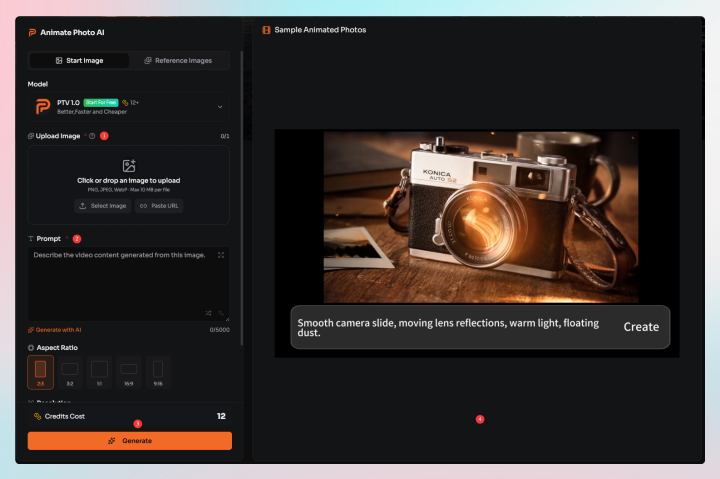
How it works
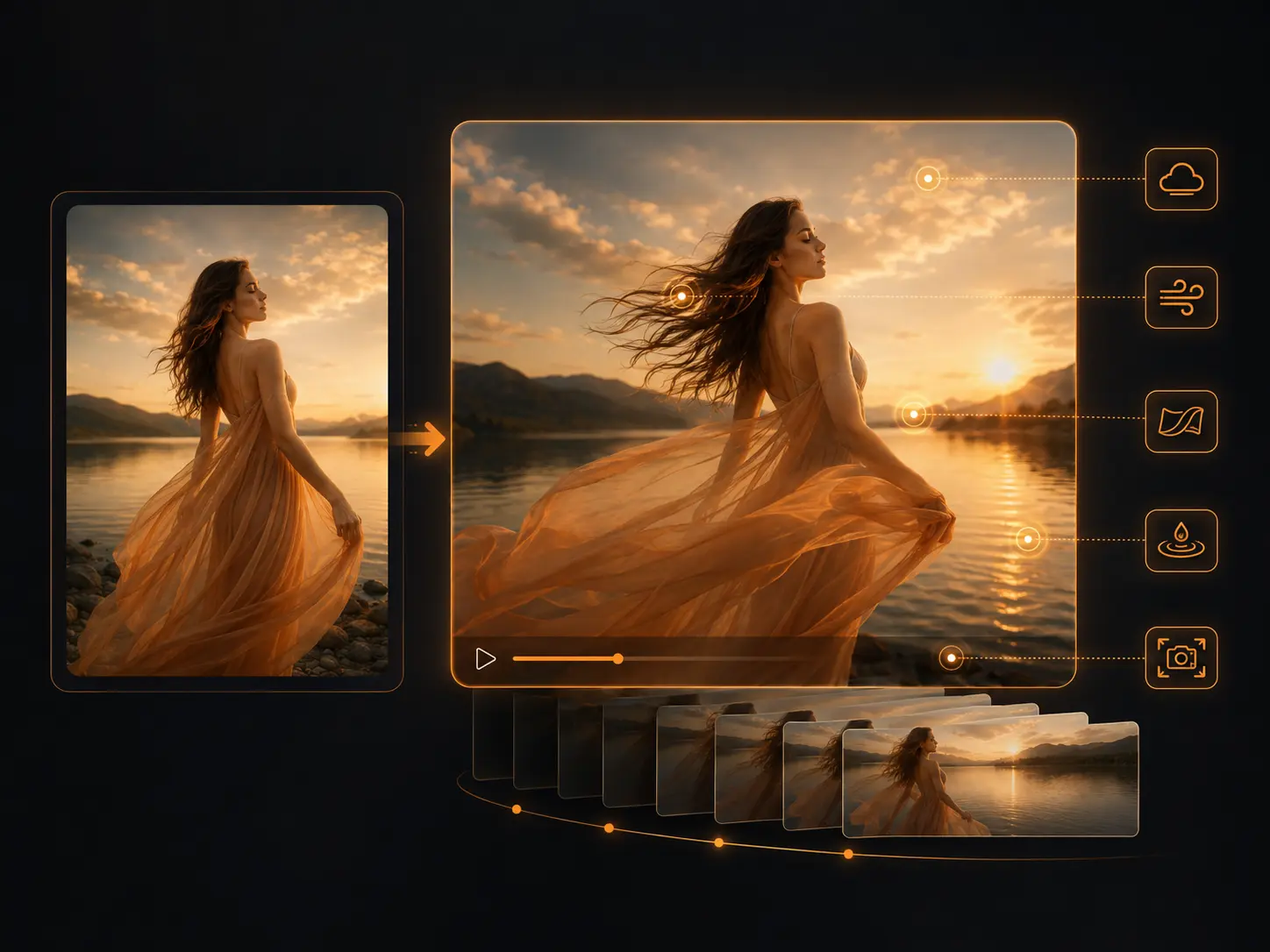
How to Animate a Photo with AI
Use one clear image, write the motion you want, then generate a short moving video ready for social media, ads, presentations, or personal projects.
Choose a clear image with a strong main subject. Portraits, products, illustrations, food photos, and landscape images usually work well.
Write what should move: camera push-in, facial expression, hair movement, product reveal, lighting change, floating particles, or background motion.
PhotoToVideoAI turns your still image into a short AI video based on the uploaded photo and motion prompt.
Use the generated video for social media posts, ads, reels, music promos, product showcases, or creative storytelling.
Key Features of Animate Photo AI
How you feed in photos, which model renders the motion, whether the clip has sound, and what file you get out - the details that decide if a generated video is actually usable.
Three Ways to Animate Your Photos
One photo: the video starts from your image and the prompt decides the motion. This covers most portraits, products, and old photos.
First + last frame: upload a start image and an end image, and the model generates the motion between them. Use it when the ending matters - a bottle that ends open, a character that ends facing the camera.
Multiple images: give several photos of the same person or product, so the face or packaging stays consistent through the whole clip. Most similar tools stop at one picture.
Top AI Video Models in One Place
Veo 3.1, Seedance, Wan, and Grok Imagine sit in the same model picker. Test a motion idea on a fast model first, then rerun the same image and prompt on a stronger one for the final version.
Image to Video with Audio
Models tagged with audio, like Veo 3.1, generate sound together with the picture - ambient noise, rain, footsteps, a street. The clip is watchable as exported, no editor needed to add audio.
Social-Ready, Watermark-Free Output
Set 16:9, 9:16, or 1:1 before generating, so a clip made for Shorts or Reels needs no cropping later. Paid downloads come without a watermark and can go straight into ads or client work.
Animate Photos with Better Motion Prompts
A good AI photo animation prompt tells the model what should move, how the camera should move, and what visual mood to preserve.
Subject Motion
Describe what should move: hair moving gently, subtle smile and blinking, product rotation, rising steam, drifting clouds, or moving water.
Camera Movement
Guide the shot with slow camera push in, smooth zoom out, cinematic pan, gentle handheld motion, or close-up product reveal.
Atmosphere and Style
Add the visual feeling: warm cinematic lighting, realistic commercial style, dreamy fantasy atmosphere, clean studio background, or nostalgic vintage tone.
Preserve Instructions
Tell the AI what should stay consistent, such as the face, product shape, logo area, outfit, illustration style, or original composition.
Why Use PhotoToVideoAI to Animate Photos?
Create moving photos without a complex editing timeline, preset-only animation app, or separate video footage.
Natural Motion from One Image
Turn a single still photo into a short video with camera movement, subject motion, and cinematic atmosphere.
Prompt-Controlled Animation
Describe the exact movement you want instead of relying only on preset zooms, stickers, or timeline effects.
Built for Many Image Types
Animate portraits, products, anime images, food photos, landscapes, artwork, album covers, and old photos.
More Than a Slideshow
PhotoToVideoAI generates motion from the image itself instead of simply placing photos on a timeline.
Animate Photo AI vs Traditional Photo Animation
Traditional tools usually add basic zoom, pan, shake, or sticker effects. Animate Photo AI can generate more natural motion from your image and prompt.
Popular Ways to Use Animate Photo AI
Animate still images for social clips, product campaigns, personal branding, music promotion, property visuals, and creative storytelling.
Creators and social teams
Social Media Content
Turn static images into short moving clips that feel more active than a plain photo post.
Use it for
Best input
A clear image with one main subject and readable lighting.
Prompt starter
slow camera push in, subtle subject motion, soft background movement
Watch out for
Avoid asking for too many separate actions in one short clip.
Brands and store owners
Product Promotion
Animate product photos for ads, landing pages, ecommerce stores, launch campaigns, and visual testing.
Use it for
Best input
A clean product photo with visible shape, material, and background separation.
Prompt starter
slow camera orbit, clean studio light sweep, glossy reflections
Watch out for
Small labels and exact text can be hard to preserve in generated motion.
Musicians and editors
Music and Album Promotion
Animate album covers, artist photos, and lyric visuals for music promo clips and short looping teasers.
Use it for
Best input
Artwork or an artist image with a strong central composition.
Prompt starter
slow cinematic zoom, floating particles, atmospheric lighting
Watch out for
Keep motion focused so the cover identity stays recognizable.
Agents, travel creators, and local brands
Real Estate and Travel
Add motion to property photos, room interiors, travel images, landscapes, and destination visuals.
Use it for
Best input
A photo with visible depth, sky, water, lights, or foreground-background separation.
Prompt starter
moving clouds, gentle water motion, slow cinematic camera movement
Watch out for
Flat scenes with few movable elements may need a more specific camera prompt.
Animate Photo AI Questions
Quick answers about making photos move with AI.
Animate Photo AI is a tool that turns still photos into short moving videos using AI. You upload an image, describe the motion you want, and generate a video from the photo.
Upload your photo, enter a motion prompt, and generate a short AI video. You can describe camera movement, subject motion, lighting, atmosphere, and style.
Yes. AI can add motion to a still photo by generating movement such as camera push-in, hair motion, facial movement, product reveal, moving clouds, water motion, or light effects.
Yes. You can use AI to bring old photos to life with gentle motion, subtle facial movement, warm lighting, and nostalgic camera movement.
No. A slideshow maker arranges photos into a video timeline. Animate Photo AI generates motion from a single still image and turns it into a moving video.
Clear images with one main subject usually work best. Portraits, product photos, anime images, food photos, landscapes, and clean illustrations are good choices.
Describe the subject motion, camera movement, lighting, and mood. For example: slow camera push in, soft hair movement, warm cinematic lighting, realistic motion.
Animate Your Photo with AI
Upload a still image and turn it into a short moving video with natural motion, camera movement, and creative atmosphere.