Text to Video AI Generator - Create from Prompts
Turn a written idea into an AI video online. Describe the subject, action, camera movement, and style, then generate short clips for ads, social media, storyboards, explainers, and creative drafts.
 Text to Video AI
TEXT TO VIDEO AI EXAMPLES
Prompt Ideas That Turn Into Motion
Pick a scene style, copy the prompt, or load it into the generator. These examples follow a simple text to video pattern: subject, action, environment, camera, lighting, and style.
Product Commercial
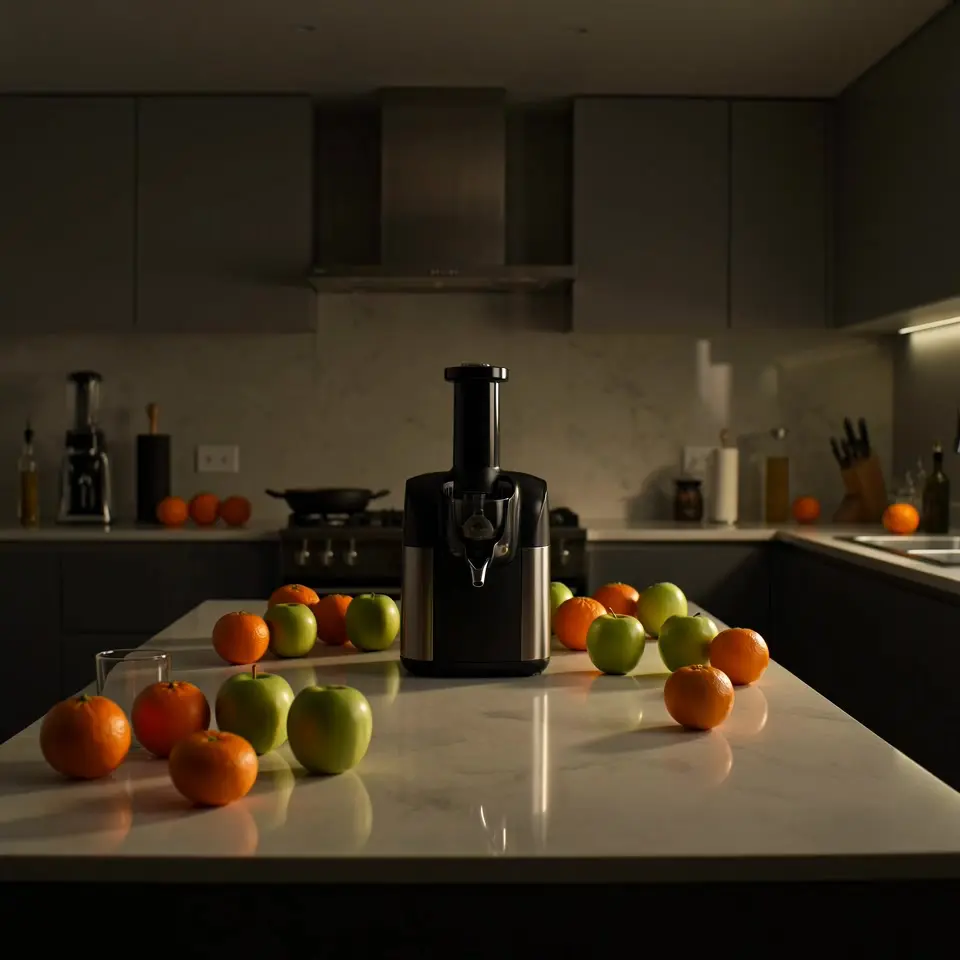
Juicer product launch ad
A practical product prompt for showing appliance features, fresh ingredients, and a clean ad-ready reveal.
Suggested prompt
A premium countertop juicer explodes into the scene with a burst of sliced oranges, green apples, and sparkling ice suspended in slow motion. The camera whips past flying droplets, then lands on the hero product as vivid juice streams into a crystal glass. High-energy luxury product commercial, dramatic splash lighting, glossy reflections, crisp macro details, powerful reveal, no text.
What Is Text to Video AI?
Generate a moving scene from a written prompt, without uploading source footage.
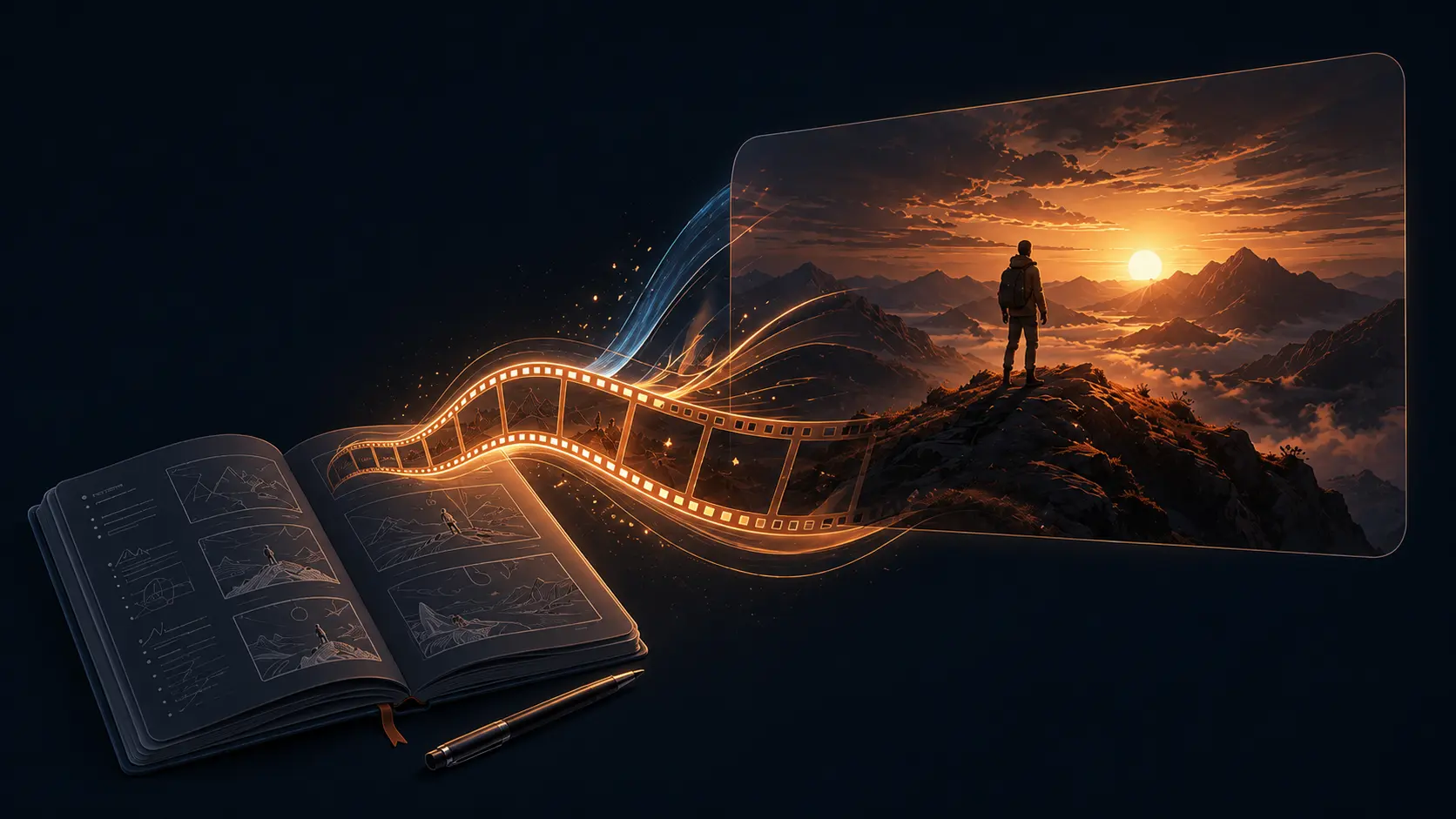
Text to video AI turns written production notes into short video clips. Instead of starting with a photo, you describe the subject, action, environment, camera movement, lighting, style, and constraints. It is best for rapid concepting, ad drafts, storyboards, product visuals, explainer b-roll, and social content ideas.
Create Better Prompt-Based Videos
Use focused text prompts, flexible video models, and repeatable creative controls to generate clips that are easier to review, revise, and publish.
Prompt-First Text to Video Creation
- Write a scene in natural language and turn it into a short AI video without preparing footage, photos, or complex editing assets.
- Direct the model with practical production details: subject, action, environment, camera movement, lighting, visual style, and aspect ratio.
- Use text to video for campaign concepts, storyboards, hero backgrounds, product teasers, explainer b-roll, or short-form social experiments.
- Keep each prompt focused on one shot. A single subject and one clear movement usually produce cleaner video than a crowded list of actions.
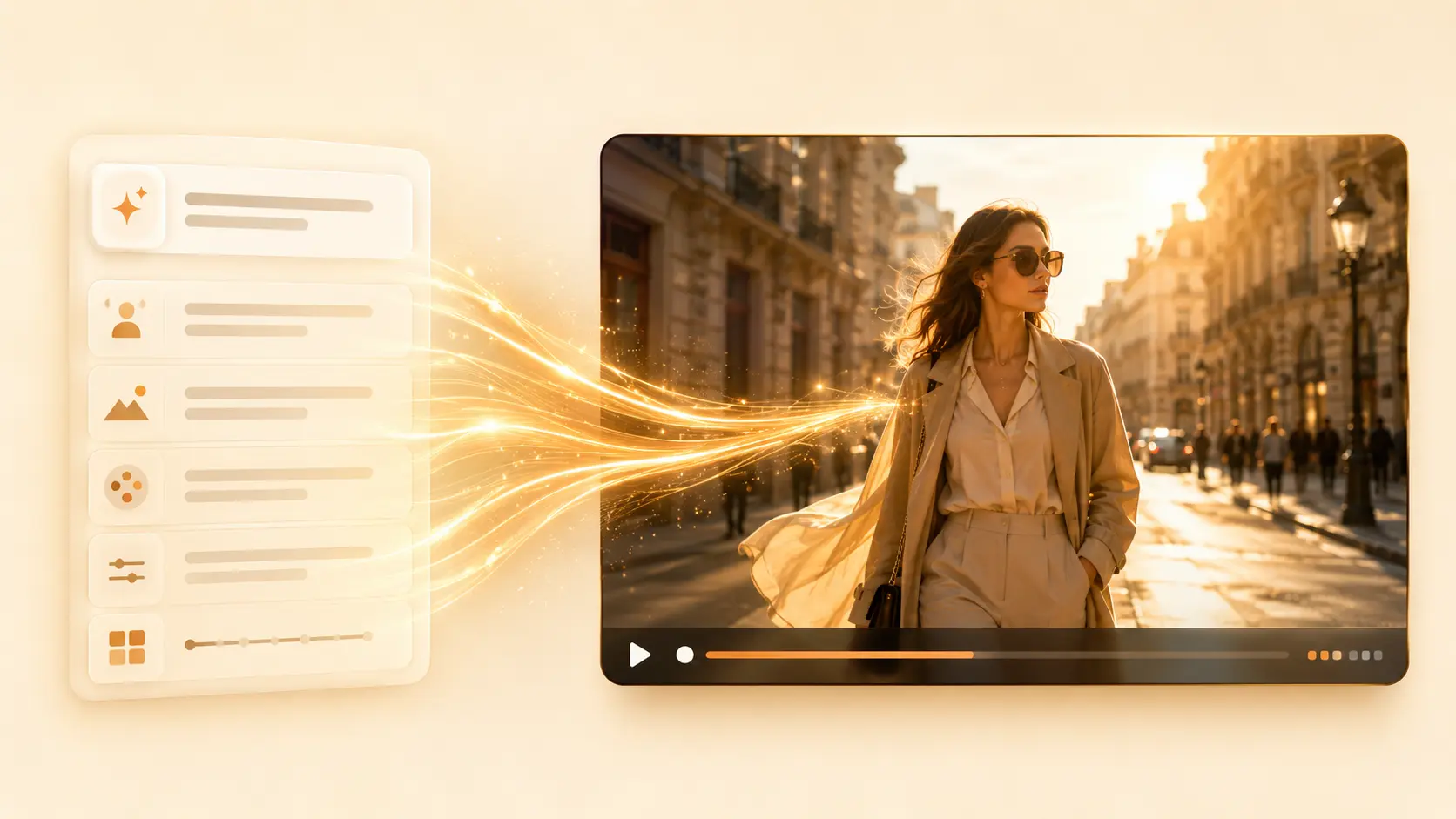
Scene Direction That Feels Like a Real Shot
- Describe camera language such as close-up, wide shot, low-angle tracking, handheld, slow dolly, orbit, push in, pull back, or overhead view.
- Add lighting and mood to make the model understand intent: neon reflections, soft morning light, dramatic backlight, cozy interior, premium commercial, or documentary realism.
- Use concise constraints such as no text, clean background, single subject, natural hands, realistic shadows, or vertical 9:16 for short-form video.
- Revise one variable at a time. If the subject works but the motion feels weak, keep the prompt and change only the camera direction.
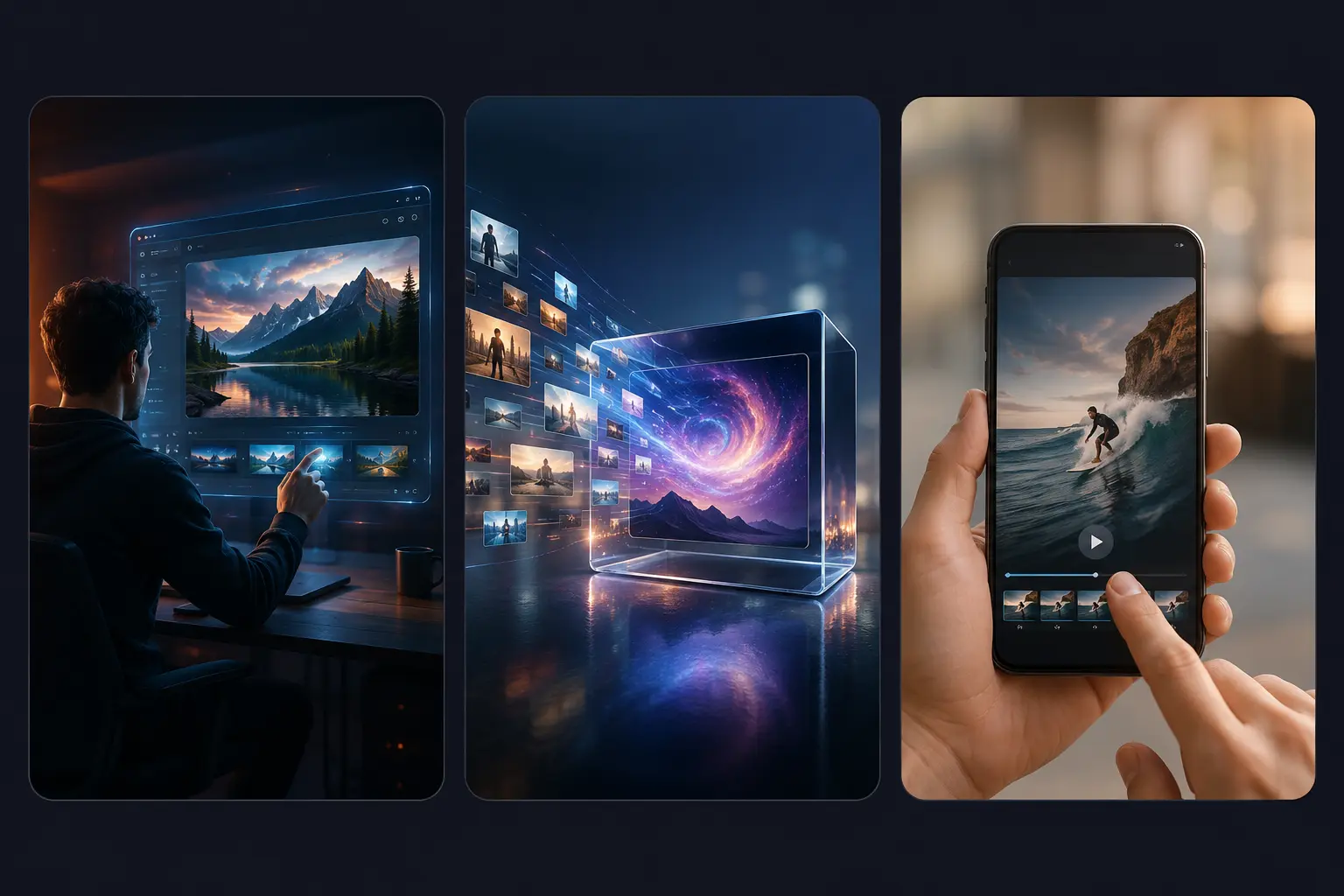
Multiple Models, One Focused Workflow
- Choose from multiple AI video models so you can compare different motion styles, pacing, and visual treatments from one focused tool.
- Start directly from text and keep the workflow simple, whether you are drafting an ad concept, a story moment, or a landing page visual.
- Advanced settings remain available when supported by the selected model, including duration, quality, aspect ratio, audio, or prompt enhancement options.
- Save time during review by keeping generated clips, favorites, and regeneration options in the same creation flow.
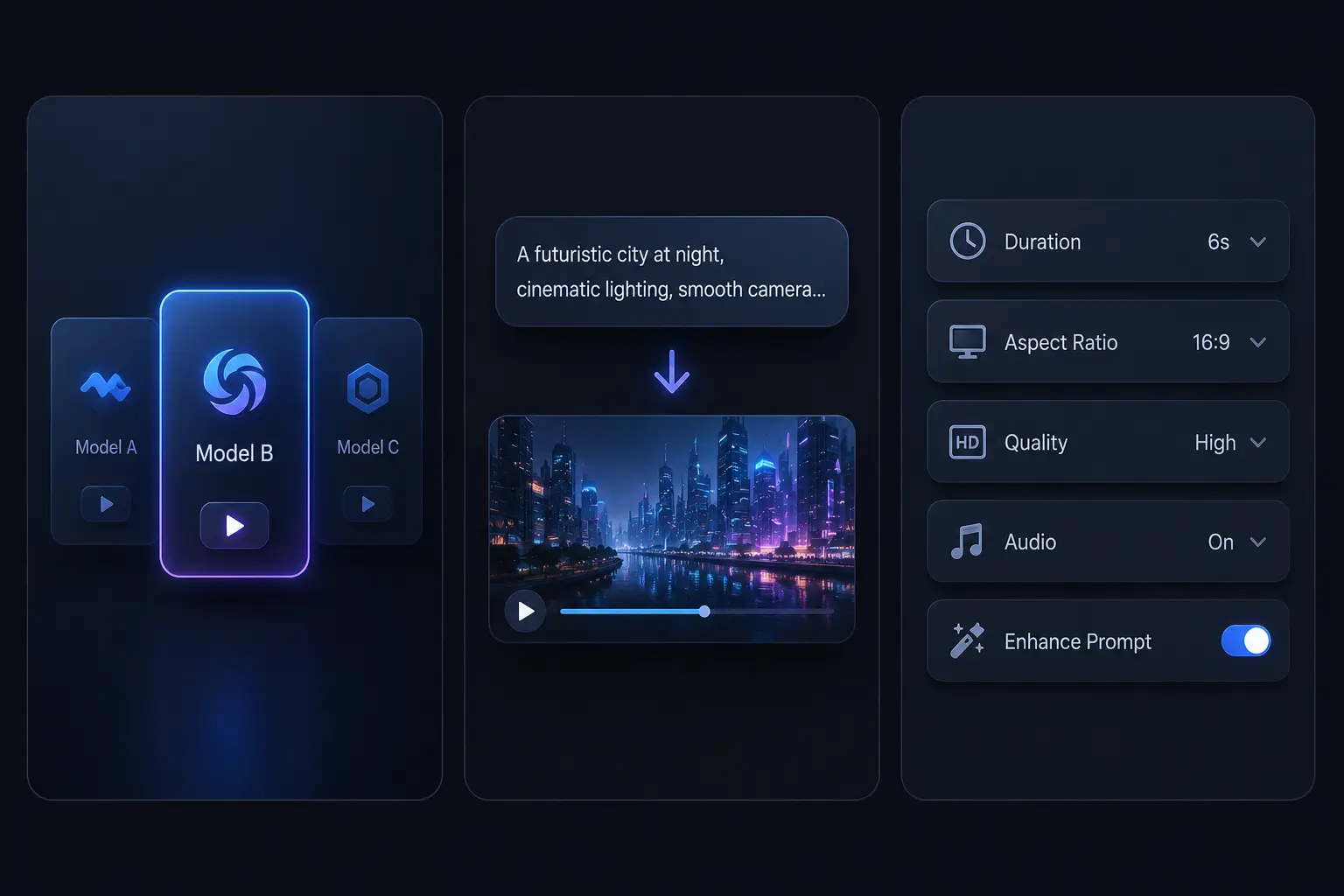
How to Generate AI Video from Text
Build the prompt like a short shot brief. Start simple, generate, then refine the motion, camera, lighting, or style.
Describe One Shot
Write one clear scene instead of a full script. Name the subject, the action, and the environment first, then add the mood. Example: a glossy black electric car on a rain-soaked city street at night.
Add Camera Direction
Guide movement with video language: slow dolly in, handheld vlog shot, orbiting camera, macro close-up, aerial glide, locked-off tripod, or low-angle tracking. Camera terms help the model plan motion.
Choose Model Settings
Pick a model and adjust supported options such as aspect ratio, duration, quality, audio, or prompt enhancement. Keep the setup simple so you can focus on the shot.
Generate and Download
Click generate to create your AI video from text. When the result is ready, preview the clip, download it, save it to favorites, or regenerate a new version with an adjusted prompt.
A Focused Text to Video Workflow for Real Content
PhotoToVideoAI keeps prompt-based video creation direct: write the shot, choose a model, generate, and iterate. It is designed for creators who want to move from idea to video draft without filming, editing, or preparing source media first.
Built for Text to Video
Start every generation from a written prompt. Describe the subject, motion, setting, camera, lighting, and style in the same place.
Flexible Model Choice
Compare different AI video models and choose the one that best fits your target style, speed, detail, and content format.
Prompt Examples Included
Browse examples for product ads, social clips, animated story shots, and SaaS explainer visuals, then load a prompt into the generator.
Easy Iteration
Generate a draft, change one detail, and try again. Refine camera movement, lighting, style, duration, and aspect ratio.
What Creators Say About Text to Video AI
See how marketers, creators, founders, and educators use prompt-based AI video generation to move from idea to draft faster.
Text to video helps me test campaign hooks before I ask the design team for a full edit. I can draft three product ad directions from prompts in one session.
Maya Brooks, Growth Marketer
Maya Brooks
Growth Marketer
Our product is abstract, so normal footage is hard. Prompt-based video gives us clean SaaS b-roll for pitch decks, landing pages, and quick launch tests.
Ethan Park, Startup Founder
Ethan Park
Startup Founder
I use text to video when I have a funny scene idea but no footage. The prompt examples make it easier to write camera movement and mood instead of staring at a blank box.
Nora Ali, Social Content Creator
Nora Ali
Social Content Creator
The focused prompt workflow matters. I can generate drafts quickly, compare a few directions, and bring the best clips into my editing timeline.
Lucas Meyer, Video Editor
Lucas Meyer
Video Editor
For training content, I can turn a short explanation into a visual scene that supports the lesson. It is much faster than searching for stock footage that almost fits.
Ava Collins, Course Designer
Ava Collins
Course Designer
Text to video is useful for mood exploration. We can compare cinematic, documentary, luxury, and playful directions before committing budget to production.
Julian Stone, Brand Strategist
Julian Stone
Brand Strategist
Text to Video AI Frequently Asked Questions
Quick answers for creators comparing text to video, image to video, and general AI video generator workflows.
Text to video AI is a prompt-based workflow where you describe a scene in writing and an AI video model generates a moving clip. It is useful when you have a clear idea for subject, action, environment, camera movement, and style, but do not want to film or prepare visual source material first.
Image to video starts from an uploaded image and adds motion to that visual. Text to video starts from language only. Use text to video when you want to invent a new shot from a prompt instead of animating an existing photo.
A good prompt usually includes the main subject, one primary action, setting, camera movement, lighting, visual style, and constraints. For example: a glass perfume bottle on wet black stone, slow dolly in, gold rim light, premium commercial style, no text.
Short AI videos work best when the model can understand one clear visual goal. If you need a full narrative, split it into multiple shots and generate them separately: opening scene, product reveal, user moment, transformation, and final brand shot.
Yes. Creators use text to video for ad concepts, product teasers, social clips, landing page hero visuals, explainer b-roll, pitch deck scenes, and storyboard drafts. Always review your selected model terms and final output before publishing.
Treat the first result as a draft. Keep the part that worked and change one variable at a time: camera movement, lighting, style, action, duration, or aspect ratio. Small revisions are usually easier to control than rewriting the whole prompt.
Create AI Videos from Text in Minutes!
Get started today and watch your ideas come to life with AI-powered video creation.