Animate an Old Grandparent Portrait
AI video
Original photo
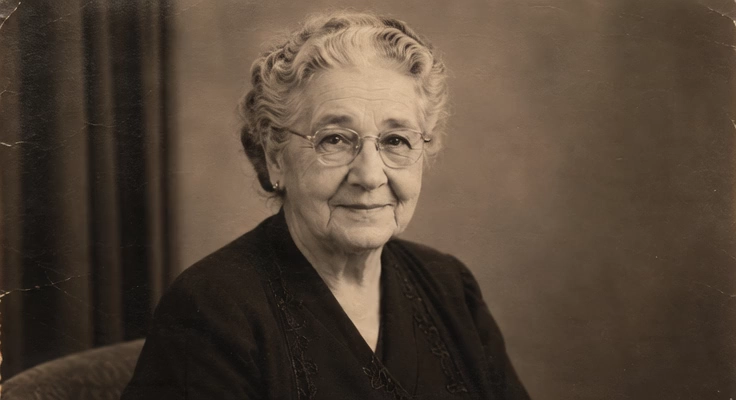
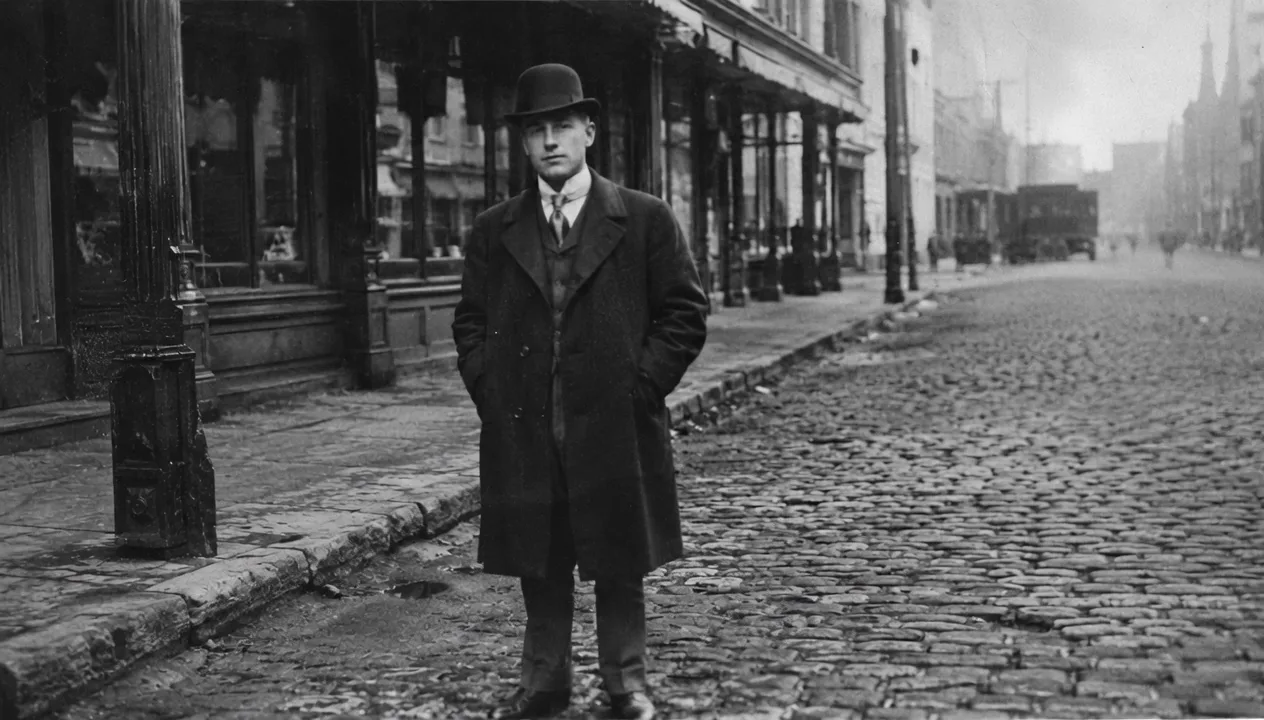
Bring a faded or black-and-white portrait of a grandparent to life with a natural blink, soft smile, gentle head turn, and subtle breathing while keeping their identity unchanged.
Old Photo to Video AI brings an old family photo, black-and-white portrait, wedding picture, or vintage scene to life with gentle facial motion, cinematic camera movement, and a nostalgic atmosphere. Upload one photo to start.
OLD PHOTO TO VIDEO EXAMPLES
Start with the example that best matches your photo. Each old photo to video scene pairs a specific type of family or historical image with motion designed to preserve faces, period details, and the feeling of the original moment.
AI video
Original photo
Bring a faded or black-and-white portrait of a grandparent to life with a natural blink, soft smile, gentle head turn, and subtle breathing while keeping their identity unchanged.
AI video
Original photo
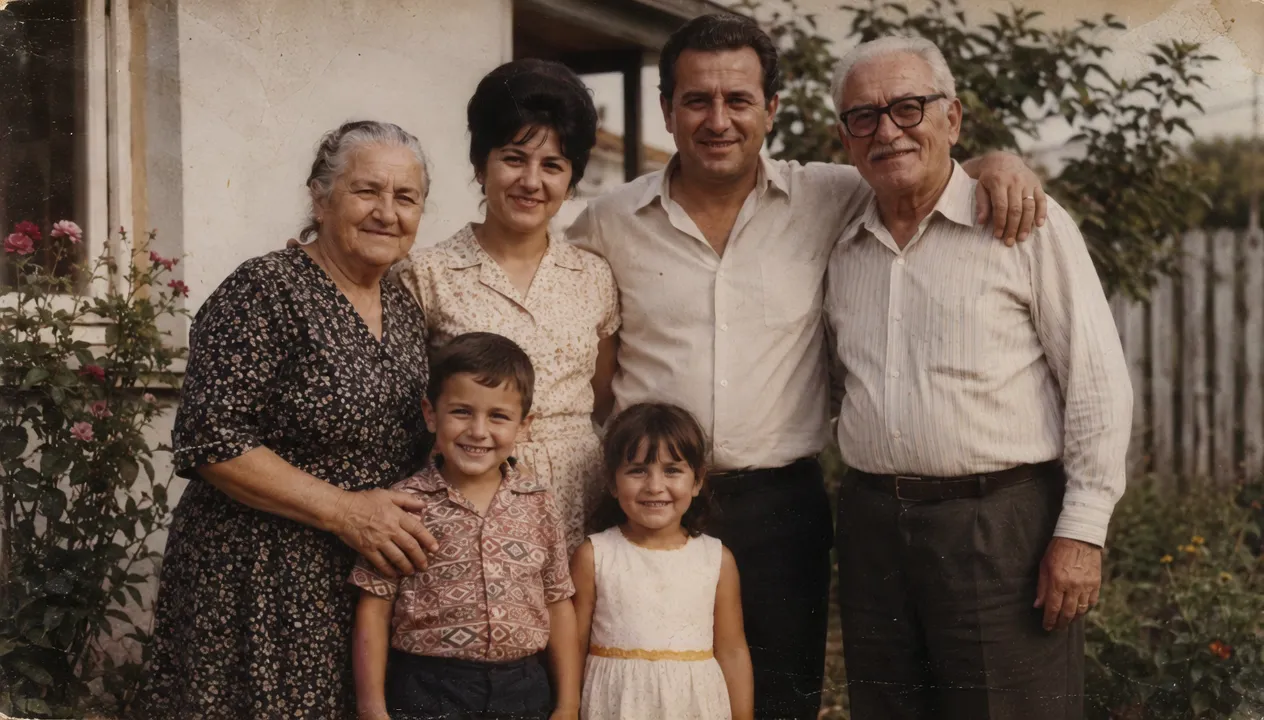
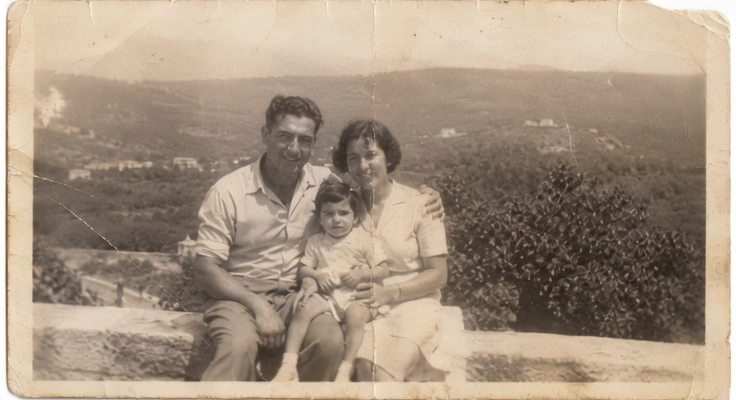
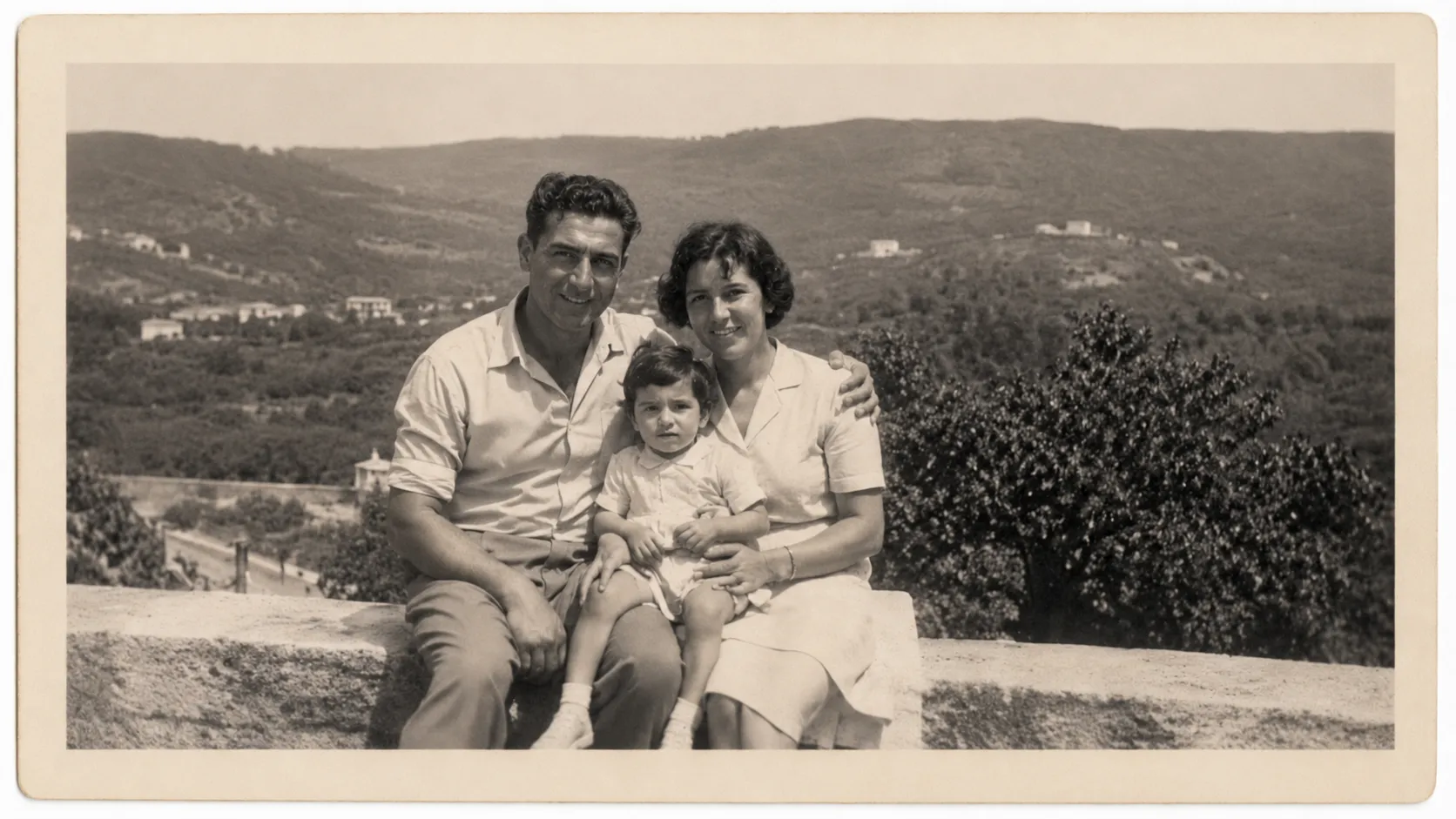
Animate a family photo of parents, children, and grandparents with shared smiles, a slight lean toward one another, small hand gestures, and a slow camera push-in.
AI video
Original photo
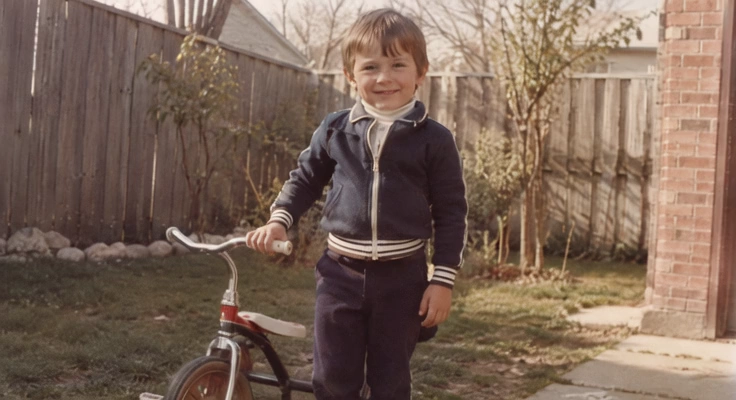
Revive a childhood photo from a yard, beach, or birthday table with a warm smile, a small turn toward the camera, and a light breeze moving the background.
AI video
Original photo
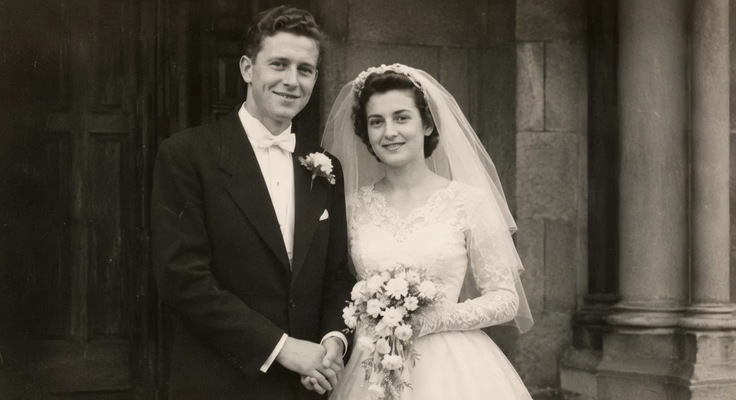
Give a vintage wedding portrait elegant motion as the couple smiles, the bride's veil moves softly, and warm cinematic light passes through the scene.
AI video
Original photo
Add subtle facial and scene movement to a historical portrait or old street photo while preserving its monochrome appearance, period details, and authentic film grain.
AI video
Original photo
For an old photo with creases, stains, fading, or blur, restore clarity first and then add only minimal natural motion around repaired faces and fragile details.
A cleaner source image can help Old Photo to Video AI preserve faces and period details.
If the photo has deep scratches, severe fading, blur, or missing facial detail, use Restore Old Photos before animation. If the image is already readable, animate the original to keep its authentic grain and age. A restore and animate old photos workflow should preserve the memory while giving Old Photo to Video AI enough detail to move it reliably.
After
Before
How it works
Learn how to make AI videos from old photos: start with the clearest scan, describe one restrained motion idea, and let Old Photo to Video AI create a short memory video.
Use the highest-resolution scan you have. Old Photo to Video AI works with family portraits, wedding photos, childhood pictures, military photos, and black-and-white street scenes.
Repair heavy scratches, blur, or fading before animation when damage hides important facial or scene detail. Skip restoration when the original is already clear.
Ask Old Photo to Video AI for natural blinking, subtle breathing, a slight smile, moving fabric, changing light, or a slow camera push-in. One focused action usually looks more believable.
Create the video, review face and clothing consistency, then download the best result for a family archive, memorial, anniversary, or social reel.
Good old photo to video prompt examples use restraint: one small human action, one camera direction, one atmosphere, and explicit preservation instructions for the portrait or family memory.
For natural results, use blinking, subtle breathing, a faint smile, or a slight head turn. Avoid talking, dancing, or multiple large actions unless the source supports them.
A slow push-in, gentle pan, or documentary drift adds emotion without forcing every person in a group photo to move.
Name the original black-and-white texture, film grain, era-specific clothing, warm fading, or archival look that should remain consistent.
Tell Old Photo to Video AI to preserve faces, age, hairstyle, pose, clothing, body shape, background, and the number of people; also prohibit new people and face distortion.
This workflow combines modern image-to-video models with direction designed around delicate portraits, historical context, and restrained animation.
Direct subtle blinking, breathing, smiles, and small head movements while telling Old Photo to Video AI which facial and period details must stay unchanged.
When you animate old photos of your family, use gentle camera movement and environmental motion to reduce competing facial actions in one frame.
Old Photo to Video AI can keep archival grain and monochrome texture or add warm nostalgic lighting without automatically colorizing or modernizing the image.
Test the same old photo to video prompt across supported models, then choose the result that best preserves identity, clothing, and background detail.
A slideshow moves the frame around a still image. AI can generate restrained motion inside the photograph itself while preserving its original composition.
Turn one photograph into a focused old photo to video clip, then combine several finished clips in your editor when you need an AI video, old family photo reel, collage, or montage.
Families preserving meaningful moments
Bring favorite family portraits and everyday snapshots to life, then combine the finished clips into a personal keepsake video that spans people, places, and generations.
Use it for
Best input
A clear family photo with recognizable faces and enough separation between people.
Prompt starter
natural smiles, subtle breathing, small coordinated movements, slow camera push in, preserve every face
Watch out for
For crowded group photos, use restrained camera motion instead of asking every person to perform a different action.
Couples, families, and anniversary editors
Animate portraits from different years to create an anniversary tribute that celebrates a relationship without losing the authentic look of each period.
Use it for
Best input
A well-scanned couple portrait with readable faces, clothing, and hands.
Prompt starter
gentle shared smiles, natural blinking, warm light, slow cinematic push in, preserve both identities
Watch out for
Keep the movement consistent across photos when the final tribute combines several decades.
Families, couples, and wedding editors
Turn vintage wedding portraits and reception photos into elegant moving scenes for a wedding retrospective, family slideshow, or nostalgic film-style montage.
Use it for
Best input
A wedding photo with clear faces, period clothing, and visible details such as a veil or bouquet.
Prompt starter
couple smiles softly, veil moves gently, warm cinematic light, elegant camera push in, preserve period details
Watch out for
Avoid modern props, dramatic gestures, or motion that conflicts with the original formal pose.
Parents, relatives, and birthday video makers
Revive childhood portraits, birthday-table snapshots, and family celebration photos for a warm birthday video built from moments across the years.
Use it for
Best input
A clear childhood photo with a visible face and simple background details that can move naturally.
Prompt starter
child smiles and turns gently toward the camera, soft background breeze, warm nostalgic light, preserve identity
Watch out for
Use small natural actions so facial features and age remain stable.
Families and genealogy storytellers
Add restrained motion to ancestor portraits and historical family scenes for oral histories, genealogy projects, digital archives, and documentary-style family records.
Use it for
Best input
A high-resolution scan with recognizable faces and preserved historical details.
Prompt starter
subtle blinking and breathing, slow archival camera drift, preserve facial identity, clothing, and original film texture
Watch out for
Do not colorize, invent details, or add people when historical accuracy matters.
Families, creators, and memory-page editors
Turn one old family photo into a short visual hook, or combine several animated clips with captions, music, and transitions for a nostalgic social media Reel.
Use it for
Best input
A strong portrait or family scene with one clear visual focus that remains readable on a phone screen.
Prompt starter
immediate subtle motion, gentle camera push in, nostalgic atmosphere, preserve faces, create a clean short loop
Watch out for
Generate each photo as a separate clip, then assemble the Reel with captions and audio in an editor.
Practical answers about free trials, restoration, prompts, family reels, portrait morphing, and animating old family photos.
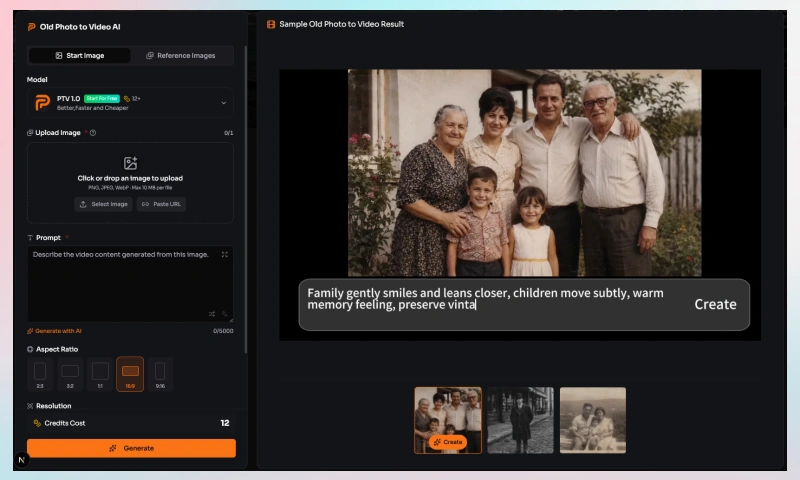
Upload the photo, write a short motion prompt, choose a supported model, and generate the old photo to video clip. Use the clearest scan available for more stable faces and details.
Eligible users can start an old photo to video AI free trial with promotional credits. Availability and generation cost depend on the selected model and current account allowance.
Restore it first when scratches, fading, blur, or missing detail hide the face or main subject. If it is already readable, send the original into the old photo to video workflow to preserve authentic grain and age.
Yes. Old Photo to Video AI can keep a black-and-white photo monochrome while adding camera movement, subtle human motion, film grain, light changes, or restrained background movement.
Start an old photo to video prompt with one small action and one camera direction, then add preservation instructions. For example: natural blinking, subtle breathing, slow camera push in, preserve facial identity, age, hairstyle, clothing, pose, and original photo texture.
Yes, but group photos are more demanding for old photo to video models. Use gentle camera movement, changing light, or small environmental motion instead of asking every person to perform a different action.
No. A slideshow pans, zooms, and transitions between still images. Old photo to video AI can generate motion inside one photograph, such as blinking, breathing, moving fabric, or changing light.
Create each old photo to video shot separately, download the best results, then arrange the clips with captions, music, and transitions in an editor. This page creates individual animated shots rather than a complete multi-photo timeline.
Yes, when the selected model supports start and end frames or reference images. Prepare portraits from young to old, generate each old photo to video transition with consistent framing, then join the clips in an editor for a longer morphing sequence.
Yes. The old photo to video generator exposes multiple supported models in one picker. Model availability changes over time, so compare identity preservation and motion quality instead of relying on a platform-specific tutorial or Reddit montage recipe.
Use Old Photo to Video AI to upload a family portrait or vintage picture and create a short video with gentle motion, preserved period detail, and a nostalgic atmosphere.