
 ChatGPT
 Perplexity
 Gemini
 Claude
An AI video can begin with the correct face and end with a different jawline, six fingers, a melted product label, or a background that bends as the camera moves. The natural reaction is to paste a huge blacklist into the prompt. That often makes the generation harder to diagnose, not easier.
A useful negative prompt is short, specific, and written for the model that will read it. It protects the details that are actually at risk in the source image and motion plan. It does not replace a clear reference, a plausible action, or a controlled test.
Quick Answer
Use a dedicated negative prompt field only when your selected AI video model or tool provides one. Enter concrete unwanted visual artifacts such as face morphing, identity change, fused fingers, extra limbs, flicker, or background warping. Avoid vague phrases such as bad video, and do not paste every artifact you have ever seen into every generation.
If the model recommends positive-only prompting, rewrite the exclusion as the stable result you want: Locked camera. The same facial identity and proportions remain consistent. Both hands stay relaxed and anatomically natural. Lighting and background remain unchanged. Negative prompts can lower the probability of a problem, but they cannot recover missing source detail or make an ambitious motion physically easy.
What Negative Prompts Can—and Cannot—Fix
A negative prompt tells a compatible model which visual features or behaviors to steer away from. In video, that can include both frame-level defects and changes that develop over time.
Useful targets include:
- face morphing, changing age, or identity drift;
- extra fingers, fused fingers, duplicated hands, or extra limbs;
- flicker, strobing, sudden exposure changes, or frame jumps;
- camera jitter, unwanted zooms, or unstable perspective;
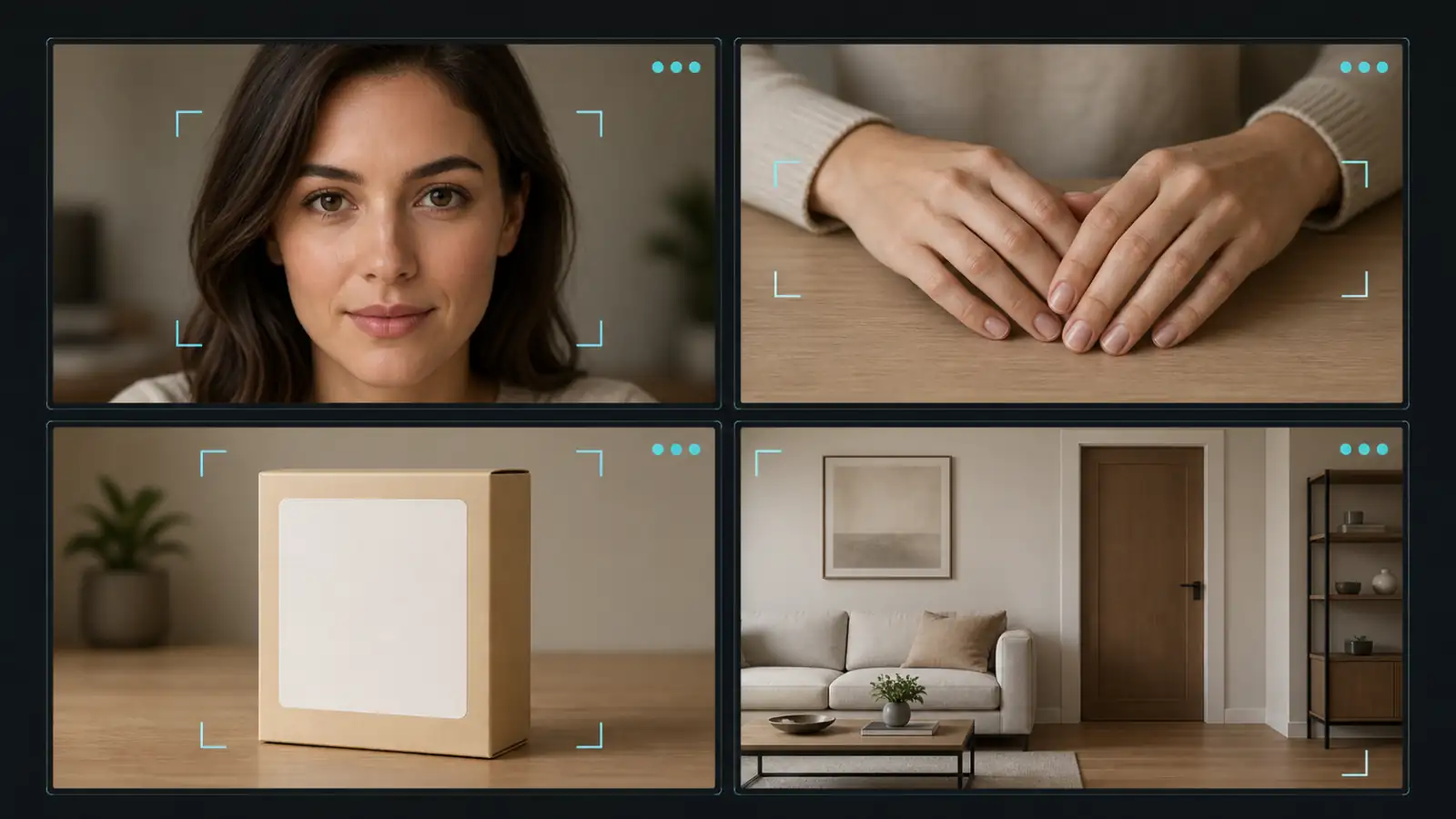
- warped text, changing logos, duplicate products, or added props;
- background stretching, object melting, or style changes between frames.
These are observable failures. Terms such as ugly, bad, wrong, or low quality are much less useful because they do not identify what should remain stable.
Negative prompts also have hard limits. They cannot reveal fingers hidden behind an object, reconstruct a tiny blurred face, or infer an accurate profile from a single front-facing portrait. They cannot make a five-second wave easy when the source hand is partly cropped, nor guarantee a readable label during a fast product orbit. If the face is already unclear or the requested action creates too much new anatomy, use a full face-distortion repair workflow or redesign the shot before expanding the exclusion list.
The practical rule is simple: use a negative prompt to steer away from a specific failure, not to compensate for an unsupported input or motion plan.
Check How Your Video Model Handles Exclusions
“Negative prompt” can refer to different controls. One model may expose a separate field, another may expect exclusions inside the main prompt, and another may explicitly prefer positive descriptions only. Copying the same syntax across all three can produce inconsistent results.
| Prompt mode | How to write it | Example | Main risk |
|---|---|---|---|
| Dedicated negative field | List concrete unwanted visual elements without extra instructions | face morphing, fused fingers, flicker | A long generic list can dilute the risks that matter |
| Positive-only main prompt | Describe the stable motion, camera, identity, and scene you do want | Locked camera. Facial identity remains consistent. | Words such as no or don't may be ignored or reversed |
| Inline constraints | End the main prompt with a small, clearly separated constraint block | Keep the label unchanged; avoid sudden camera movement. | Too many competing clauses can weaken the main action |
| Unknown or hidden model support | Check the current tool guidance, then run a controlled A/B test | One baseline and one version with focused constraints | Random variation can be mistaken for a reliable prompt effect |
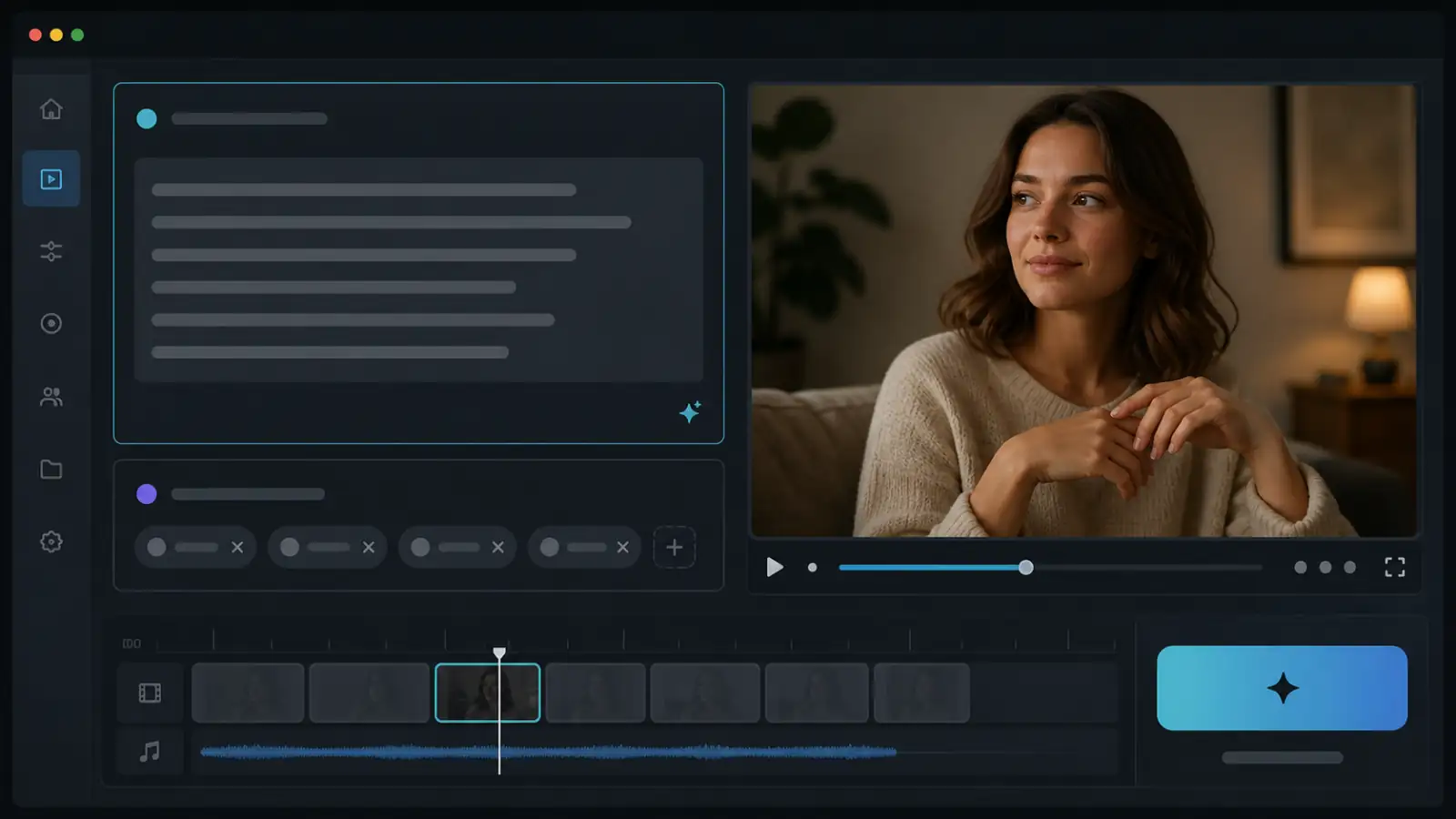
Google's official Veo video prompt guide describes negative prompts as a way to name elements that should not appear. It recommends describing the unwanted content directly instead of writing instructions such as “no walls” or “don't show walls.” The Wan image-to-video API also documents an optional negative_prompt input for supported model versions.
Runway takes a different approach. Its official Gen-4 Video Prompting Guide recommends positive phrasing and warns that negative phrasing is not supported and may cause unpredictable or opposite results. For a still camera, for example, it recommends describing a locked camera rather than repeatedly saying that the camera must not move.
The lesson is not that one format is universally better. The lesson is to identify the input contract before writing the prompt.
Build a Short, Risk-Specific Negative Prompt
A reusable negative prompt can be built from five optional groups:
identity + anatomy + temporal stability + camera + scene integritySelect only the groups that match the shot.
| Risk group | Include when | Example terms |
|---|---|---|
| Identity | A recognizable person or recurring character must remain the same | identity change, face morphing, changing age, facial drift |
| Anatomy | Hands, arms, legs, teeth, or a full body are visible and moving | fused fingers, extra limbs, warped mouth, impossible joints |
| Temporal stability | Fine detail or lighting must remain consistent across the clip | flicker, frame jumps, texture crawling, exposure pulsing |
| Camera | The shot needs a specific controlled camera path | camera jitter, sudden zoom, unwanted rotation, perspective drift |
| Scene integrity | Products, text, architecture, or background objects must not change | warped text, duplicate object, bent walls, background replacement |
Start with roughly six to twelve concrete concepts. This is not a hard technical limit; it is a testing discipline. A compact list makes it easier to understand what changed between generations. A fifty-item default copied from an image-generation forum may contain irrelevant style, anatomy, camera, and quality terms that compete with your actual shot.
Also check the source before adding a term. If no hands are visible, a detailed finger blacklist is unlikely to solve the important risk. If the image contains a bottle with a small label, product shape and text integrity matter more than facial anatomy. If the camera is locked, prioritize identity, anatomy, and flicker rather than filling the prompt with every possible camera defect.
Copy-Paste Negative Prompts by Problem
Use these as starting blocks, not mandatory presets. Keep a block only when the corresponding feature is visible or likely to change.
Face Drift and Identity Changes
For a model with a dedicated negative field:
face morphing, identity change, changing facial proportions,
asymmetrical eyes, warped mouth, changing age, facial flicker
Pair it with a positive identity anchor in the main prompt:
The same person remains recognizable throughout the clip. Facial proportions,
age, eye shape, jawline, hairline, skin texture, and hairstyle remain consistent.
Do not ask the face to stay identical while simultaneously requesting a wide smile, rapid speech, repeated blinking, a large head turn, and a fast push-in. Those actions change many facial landmarks at once. Start with one blink, breathing, a tiny eye-line shift, or a small closed-mouth expression.
Weird Hands, Fingers, and Extra Limbs
For visible hands:
deformed hands, fused fingers, extra fingers, missing fingers,
extra hands, duplicated arms, extra limbs, impossible wrist angles
Positive anchor:
Both hands remain relaxed and fully visible on the table. Five natural fingers
remain clearly separated on each hand. The wrists and arms move minimally.
Prompt wording is only the first defense. Hands fail more often when they are small, overlapping, cropped, holding a detailed object, or moving rapidly across the body. If the gesture is not essential, keep the hands still, move them outside the crop, or use a source image where every visible finger is clear. For a necessary gesture, split the action into a separate close shot rather than combining it with a face turn and camera move.
Flicker, Jitter, and Background Drift
Dedicated negative field:
flicker, strobing, exposure pulsing, frame jumps, camera jitter,
sudden zoom, perspective drift, background warping
Positive anchor:
The camera remains locked. Lighting and exposure stay constant. The background,
straight lines, furniture, and object positions remain unchanged throughout.
If a supposedly static background still bends, inspect the requested motion. A large orbit, pull-back, or sideways track forces the model to reveal geometry that is not present in the starting image. Replace it with a locked shot, slow push-in, or tiny pan before adding more background terms.
Text, Logo, and Product Changes
Dedicated negative field:
warped text, changing letters, mutated logo, distorted label,
duplicate product, changing product shape, added objects
Positive anchor:
The product remains still, centered, and identical to the source image. Packaging,
logo placement, label layout, colors, materials, and proportions remain unchanged.
Small text is a difficult temporal detail. If an exact label matters commercially, avoid fast rotation, motion blur, or a move that hides and reveals the text. Consider placing final typography in an editor after generation instead of requiring every video frame to redraw it.
Compact General-Purpose Version
Use this only as a first draft, then remove irrelevant terms:
identity change, face morphing, deformed hands, extra fingers,
extra limbs, flicker, camera jitter, background warping, text mutation
For a portrait cropped above the shoulders, remove hand and product terms. For a product-only shot, remove identity and facial terms. The most useful negative prompt describes this shot, not AI video in general.
Rewrite Negative Prompts as Positive Constraints
When the model expects positive phrasing, translate the failure into a desired state. This also improves the main prompt because it replaces an abstract prohibition with a visible shot direction.
| Instead of writing | Describe the desired result |
|---|---|
No camera movement | Locked camera. The frame remains still. |
No face distortion | Facial identity, proportions, age, and skin texture remain consistent. |
No weird hands | Both hands remain relaxed, fully visible, and anatomically natural. |
No background changes | The background composition, object positions, and lighting remain unchanged. |
No sudden expression | The subject maintains a calm neutral expression with one subtle blink. |
No extra products | Exactly one product remains centered on the table throughout the shot. |
Don't change the label | The original label layout, letter shapes, colors, and placement remain consistent. |
No shaky movement | The camera follows a smooth, steady path at a slow constant speed. |
A positive constraint should be compatible with the source. “Both hands remain fully visible” is a poor instruction when one hand is already behind the subject. “The exact label remains readable” is unrealistic when the label occupies a few pixels. Phrase the desired state only after confirming that the first frame contains enough evidence to support it.
For models that accept both a main prompt and a negative field, use both channels for different jobs:
Main prompt:
Medium portrait of the subject. She breathes naturally and blinks once while the
camera makes a very slow push-in. Her facial identity, hairstyle, clothing, and
calm expression remain consistent. Soft window light stays unchanged.

Negative prompt:
face morphing, identity change, warped mouth, asymmetrical eyes, changing age,
facial flicker, camera jitter, sudden zoom
The main prompt describes the shot. The negative field names the most relevant failure modes. Neither channel needs to repeat a long generic quality list.
Test the Prompt Without Wasting Generations
Because AI video output is probabilistic, one better result does not prove that a particular word fixed the problem. Use a controlled test that keeps the major variables stable.
Step 1: Create a Baseline
Choose a clear source image and the shortest useful duration. Write one simple motion and one simple camera instruction. Generate without a large negative list so you can see the model's natural failure mode.
Step 2: Name the First Visible Failure
Review the opening, middle, and final frames. Pick the most damaging problem: identity drift, hand deformation, flicker, camera instability, or changing scene detail. Do not try to solve five unrelated symptoms in the first retry.
Step 3: Add One Focused Constraint Block
Add three to six relevant negative terms in a dedicated field, or translate the problem into one or two positive stability sentences. Keep the source image, model, duration, aspect ratio, motion, and camera direction unchanged.
Step 4: Compare the Same Frames
Check the same temporal points in both clips. If the face stays accurate but the hands worsen, the result is not a complete improvement. If a label is stable in the opening frame but mutates at the end, shorten the usable edit or reduce the movement.
Step 5: Escalate Beyond the Prompt
If two focused retries do not improve the defect, stop expanding the negative list. Use this order:
- Reduce the expression, gesture, or subject motion.
- Lock or simplify the camera.
- Shorten the duration.
- Crop closer to the detail that matters.
- Replace the source with a clearer image.
- Enable a subject or identity reference when available.
- Test a different model with the same image and motion plan.
Changing one major variable at a time costs fewer generations than rewriting everything and hoping the next random result works.
Troubleshooting Negative Prompts That Do Not Work
| What you see | Focused prompt response | Stronger workflow fix |
|---|---|---|
| Face slowly becomes another person | identity change, face morphing, changing facial proportions | Shorten the clip and reduce mouth, expression, and head movement |
| Fingers merge while the subject waves | fused fingers, extra fingers, impossible wrist angles | Keep the hand still, crop it out, or use a clearer dedicated hand shot |
| Mouth and teeth warp during speech | warped mouth, changing teeth, facial flicker | Use a talking-photo or lip-sync workflow for timed dialogue |
| Static background bends during a camera move | background warping, perspective drift | Replace orbit or tracking with locked camera or a slow push-in |
| Product label changes between frames | warped text, changing letters, distorted label | Hold the product still and add final readable typography in post |
| Light pulses although the subject is stable | flicker, exposure pulsing, lighting shifts | Lock lighting language and remove effects that imply flashing or strobes |
| Negative terms appear to have no effect | Stop adding unrelated words | Confirm model support and rewrite the request as positive constraints |
| Every retry fails in a different way | Use only the highest-priority risk block | Simplify the entire shot and rebuild complexity one variable at a time |
A prompt failure is useful evidence. If the same hand breaks across several carefully controlled retries, the hand action or reference is probably the bottleneck. If different artifacts appear randomly, the prompt may be overloaded or the shot may ask the model to invent too much unseen detail.
FAQ
Do Negative Prompts Really Work for AI Video?
They can reduce specific unwanted elements when the model supports them, but they are not guarantees. The source image, requested motion, duration, camera path, reference controls, and random variation all influence the output. Treat negative prompting as one control in a larger workflow.
What Is the Best Negative Prompt for Face Drift?
Start with face morphing, identity change, changing facial proportions, asymmetrical eyes, warped mouth, changing age, facial flicker. Pair that list with a positive sentence that preserves the same identity, age, eye shape, jawline, hairline, and hairstyle. Then reduce the motion if the face still drifts.
What Negative Prompt Helps With Extra Fingers?
Use concrete terms such as deformed hands, fused fingers, extra fingers, missing fingers, extra hands, duplicated arms, impossible wrist angles. If the source hand is small, hidden, or holding a complex object, a clearer source or simpler action is usually more effective than a longer list.
Why Do Negative Prompts Sometimes Make the Result Worse?
Some models do not support negative phrasing, and a long list can emphasize visual concepts that were not previously important. The generation is also probabilistic, so a single result may be random. Match the syntax to the model and compare controlled variants before judging a term.
Should a Negative Prompt Include “No” or “Do Not”?
In a dedicated negative field, list unwanted content directly unless the model documentation says otherwise. Write fused fingers, camera jitter, background warping, not a paragraph beginning with “do not.” For positive-only models, describe the stable result you want instead.
How Long Should an AI Video Negative Prompt Be?
There is no universal ideal length. For a first test, six to twelve relevant concepts are easier to evaluate than fifty generic quality terms. Add a term because the source or motion creates that risk, not because it appeared in someone else's preset.
Can a Negative Prompt Guarantee Consistent Faces and Hands?
No. A prompt cannot reconstruct hidden fingers, restore a tiny face, or make a complicated gesture simple. Clear visible anatomy, restrained motion, short clips, stable camera choices, and identity-reference features are usually stronger controls.
Conclusion
Effective negative prompting starts with compatibility: determine whether the model accepts a dedicated exclusion field, inline constraints, or positive phrasing only. Then describe the exact defect that threatens the shot and keep the list short enough to test.
If the result still fails, do not keep adding synonyms. Reduce the motion, simplify the camera, shorten the clip, improve the crop, or replace the source. When you are ready to compare a focused exclusion list with a positive-only version, test the same image with a short, low-motion prompt and change only one prompt variable at a time.